Gaming Peripherals That Level Up Your Setup
Level up your battlestation with pro-grade mice, mechanical keyboards, high-refresh monitors, ergonomic chairs, and crystal-clear headsets for peak play.
Precision Control: Gaming Mice
Gaming mice are the frontline of precision, and choosing the right model can instantly sharpen your aim and comfort. Focus on a high-quality sensor that tracks consistently at various speeds, paired with adjustable DPI/CPI and a stable polling rate for responsive input. Evaluate ergonomics based on your grip style—palm, claw, or fingertip—and consider weight distribution, from ultra-light shells to balanced frames that reduce fatigue during long sessions. Low-friction PTFE feet glide smoothly across a good surface, while a tuned mousepad can further refine control. Modern wireless options deliver near-wired latency with long battery life, especially when paired with efficient power management and reliable 2.4 GHz receivers. Extra buttons mapped to macros or quick-build actions speed up workflows across games and creative apps. Look for on-board profiles so your settings travel between systems. Combine accuracy, comfort, and customization, and your mouse becomes an extension of instinct rather than a tool you fight.
Tactile Command: Mechanical Keyboards
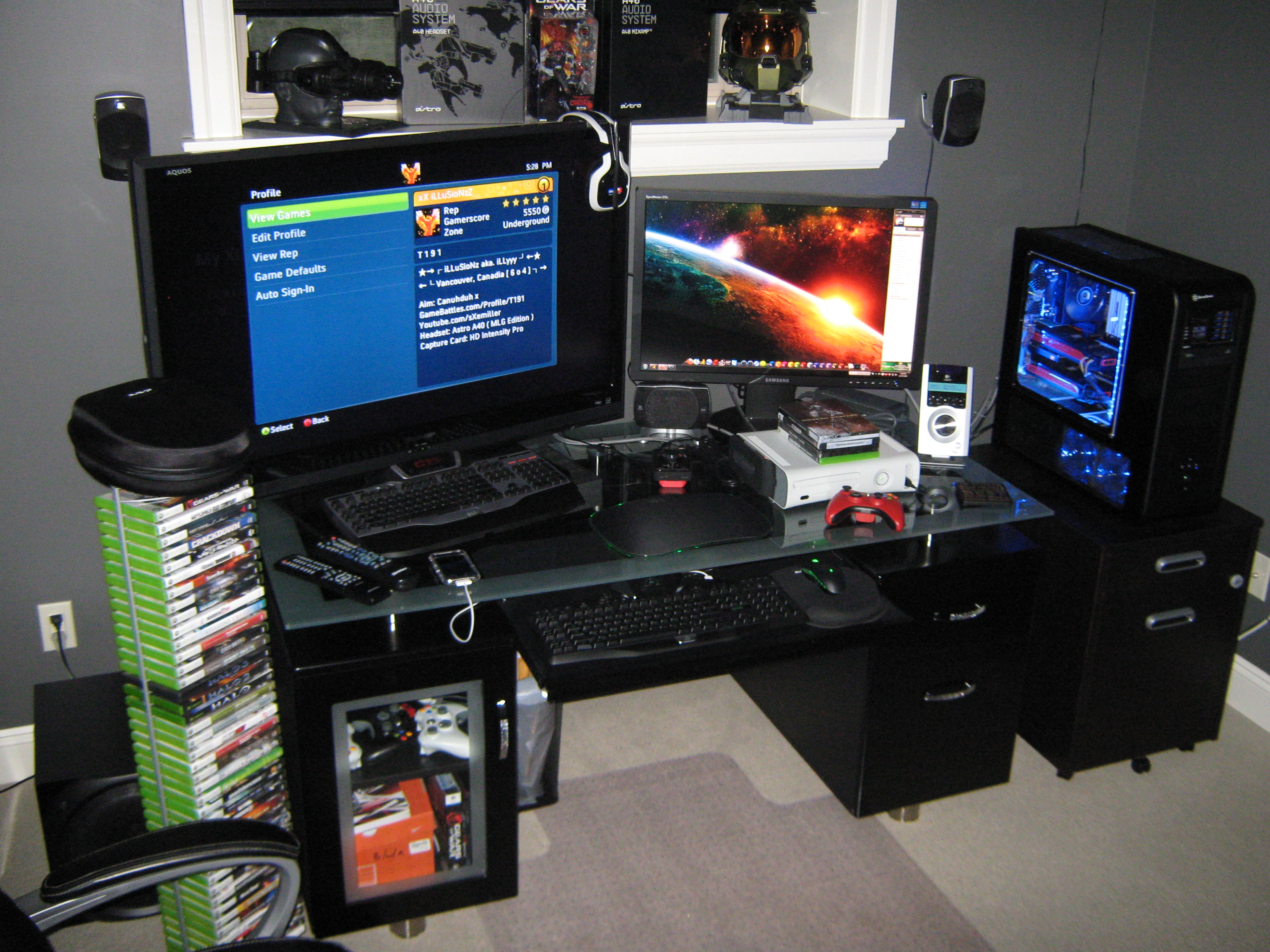
Mechanical keyboards translate intention into action with tactile feedback and consistent travel. Start by selecting switches that match your preference: linear for smooth presses, tactile for a bump you can feel, or clicky for audible confirmation. Consider actuation force and pre-travel to balance speed with control, and ensure full N-key rollover with robust anti-ghosting for complex inputs. Durable PBT keycaps resist shine and improve texture, while tuned stabilizers eliminate rattle on larger keys. A comfortable layout and wrist support help maintain neutral posture, and hot‑swappable sockets let you experiment without soldering. Low-latency firmware, on-board memory, and flexible macro layers support both competitive play and productivity. Sound dampening with switch films or foam can refine acoustics if you value a quieter desk. Whether you favor compact boards for mouse room or full-size convenience, build for comfort, consistency, and programmability so every keystroke lands exactly when you intend.
Immersive Audio: Headsets and Mics
Crisp audio boosts awareness, communication, and immersion. A capable gaming headset pairs comfortable ear pads with accurate drivers that present positional cues cleanly, making footsteps and reloads easier to track. Choose closed-back designs for isolation or open-back for a wider soundstage and cooler wear. High-quality microphones with effective noise reduction keep your callouts clear; detachable or boom options add flexibility. For refined fidelity, consider an external DAC/amp to deliver cleaner power and better volume control, especially with higher-impedance gear. Look for spatial audio or virtual surround that enhances imaging without muddying mids. Comfort matters as much as sound: balanced clamp force, breathable materials, and lightweight construction reduce fatigue during marathon sessions. In software, fine-tune EQ, sidetone, and monitoring so you hear yourself naturally and avoid shouting. The right audio chain elevates both competitive clarity and cinematic richness, turning everyday play into a richly detailed soundscape.
Fluid Visuals: Monitors That Keep Up
Your monitor dictates how fluid and sharp games feel. Aim for a high refresh rate to smooth motion and a fast response time to minimize ghosting. Pair these with variable refresh technology to eliminate tearing without heavy input lag. Choose a panel type based on priorities: IPS for color accuracy and viewing angles, VA for contrast, or OLED for near-instant pixels and deep blacks. Balance resolution against achievable frame rates from your GPU; sometimes fewer pixels plus more frames is the winning combo. Effective overdrive, optional black frame insertion, and solid HDR performance can further enrich clarity and dynamic range. Don't neglect ergonomics: a sturdy stand with height, tilt, and pivot, thoughtful cable management, and a sensible curve on ultrawide formats reduce strain and clutter. Calibrate or at least enable a neutral color profile so your games, streams, and creative projects look consistent across devices.
Specialized Add-ons: Gamepads, Mats, and More
Beyond the basics, specialized peripherals unlock new genres and streamline your desk. Gamepads with precise analog sticks and adaptive triggers excel in platformers and racers, while fight sticks, racing wheels, and flight controls bring arcade or simulation authenticity. A generously sized mousepad or desk mat stabilizes movements and cushions wrists; textured or hybrid surfaces let you balance speed and control. Handy macro pads and foot pedals offload repetitive actions, and a quality webcam with flattering lighting helps if you stream or collaborate. Thoughtful USB hubs, switches, and cable routing reduce friction when swapping systems. Optional RGB can double as functional bias lighting when tuned subtly. Finally, prioritize ergonomics: an adjustable chair, monitor arm, and proper desk height support longer sessions without strain. When each accessory solves a real problem, your setup feels cohesive, faster, and more enjoyable for both play and everyday computing.